Prescriptions
A Prescription is a formal forest-treatment specification for a parcel — what gets thinned, pruned, removed, or treated, in what order, by whom, with what budget. Prescriptions are the bridge between an inspection finding and a contractor work order.
Navigate to Prescriptions in the sidebar (Admin and Staff only).
Prescriptions list
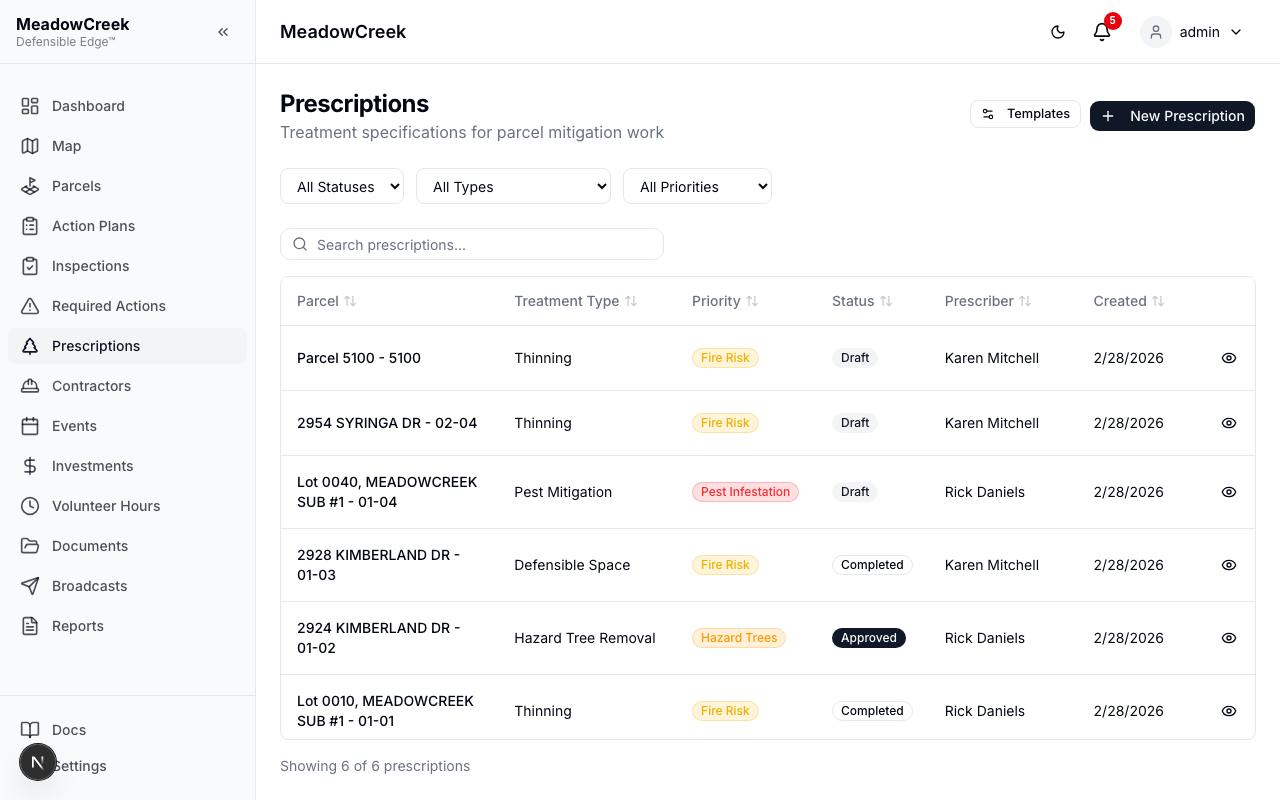
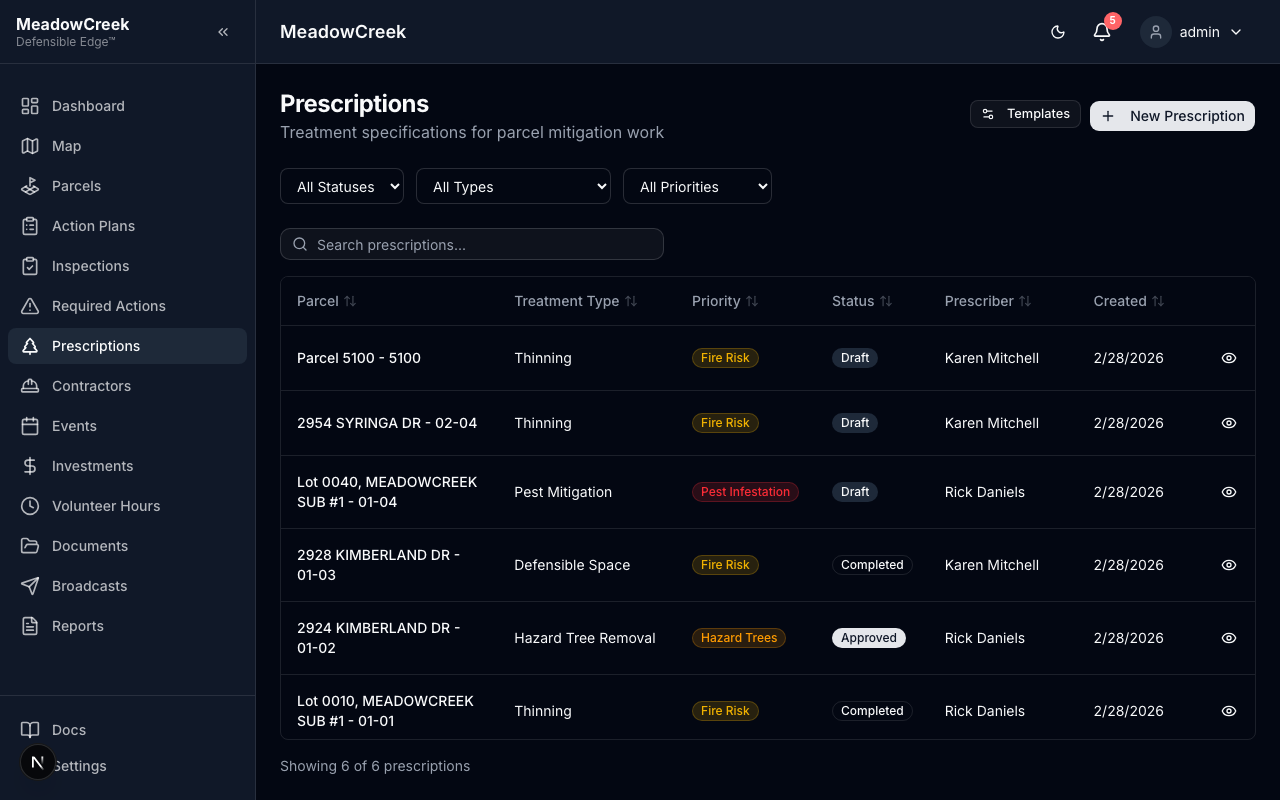
Each row is one prescription with its target parcel, status (Draft → Pending Review → Approved → Active → Complete), and effective date range.
Creating a new prescription
Click New Prescription to author from scratch, or duplicate an existing one as a starting point.
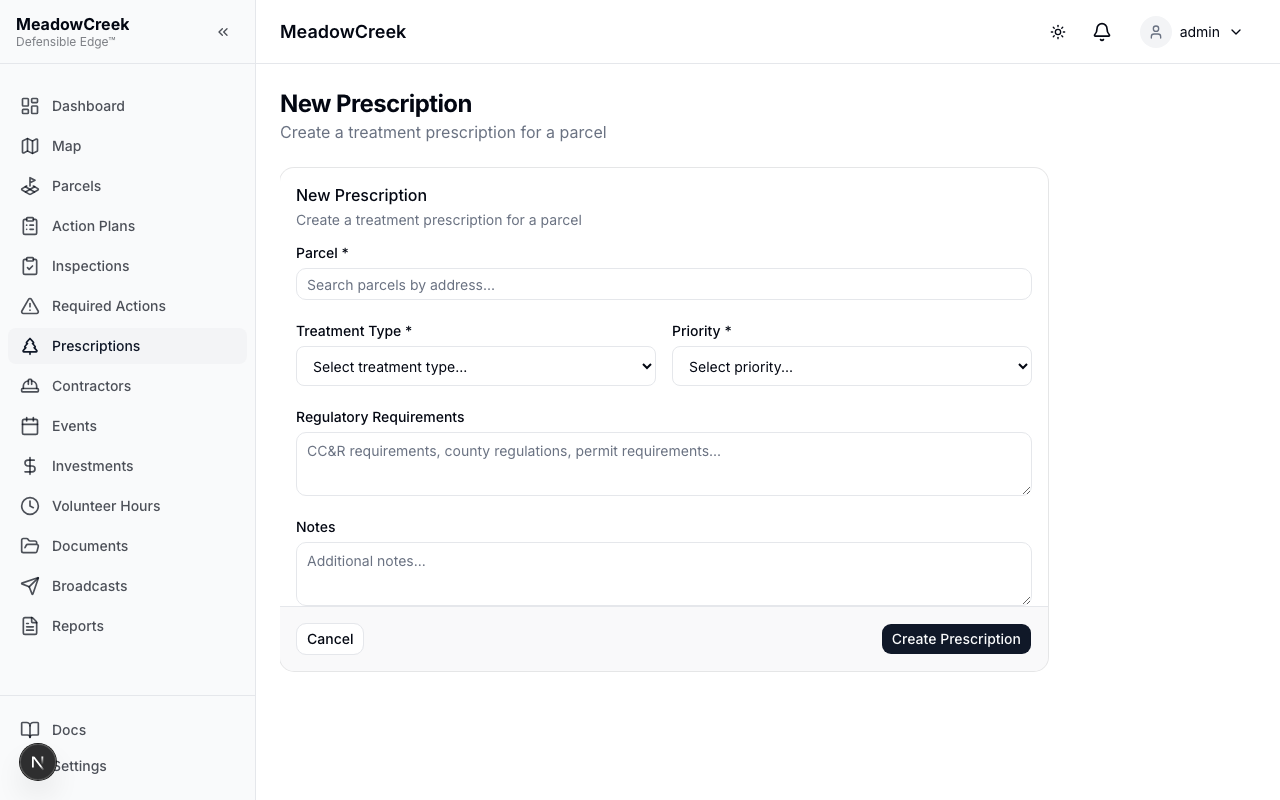
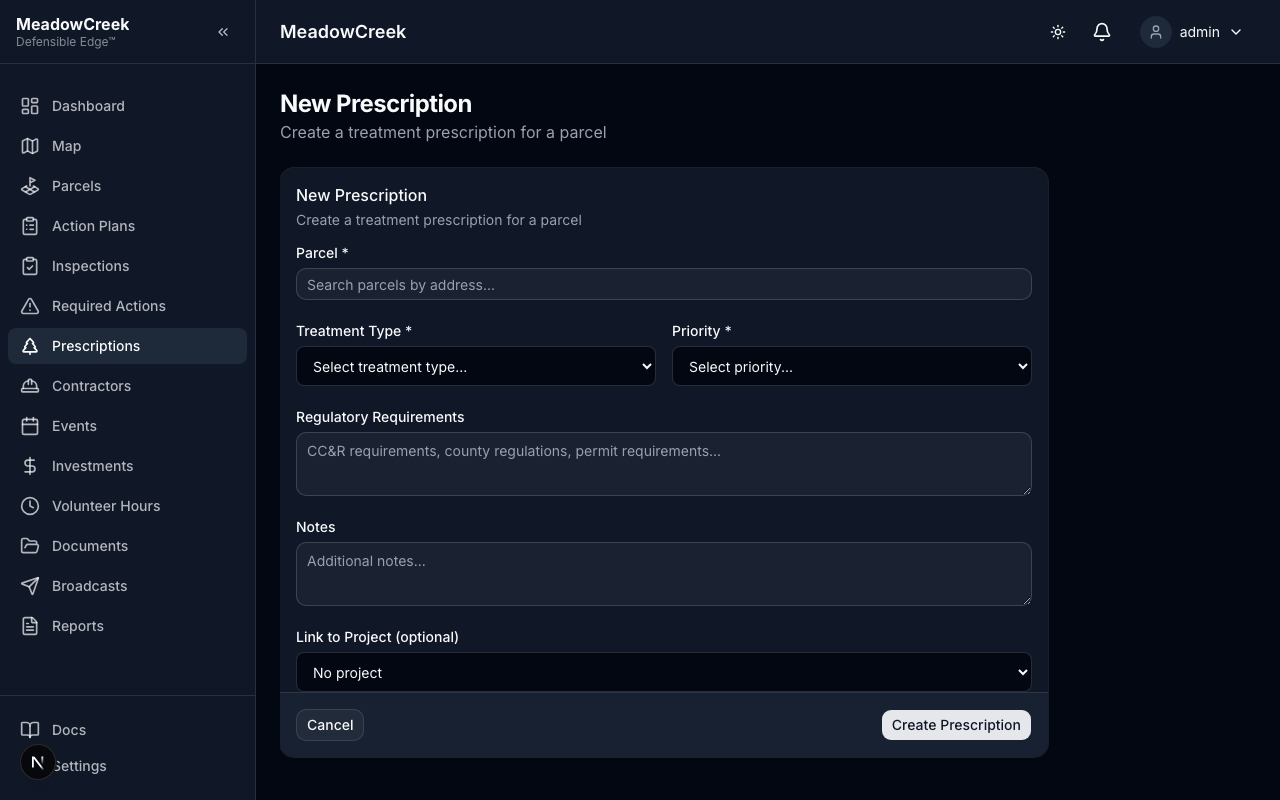
The form captures:
- Target parcel (or multi-parcel selection)
- Treatment type (Mechanical Thinning, Pile Burn, Broadcast Burn, Mastication, Hand Treatment, etc.)
- Date window — earliest start and latest finish
- Specifications — long-form text covering crown spacing, ladder fuel removal, residual basal area, slash disposition, etc.
- Budget — estimated cost; ties to the Investments ledger when work begins
- Linked findings — inspection findings that justify the work
Working a prescription
The detail view is your single-pane control of one prescription:
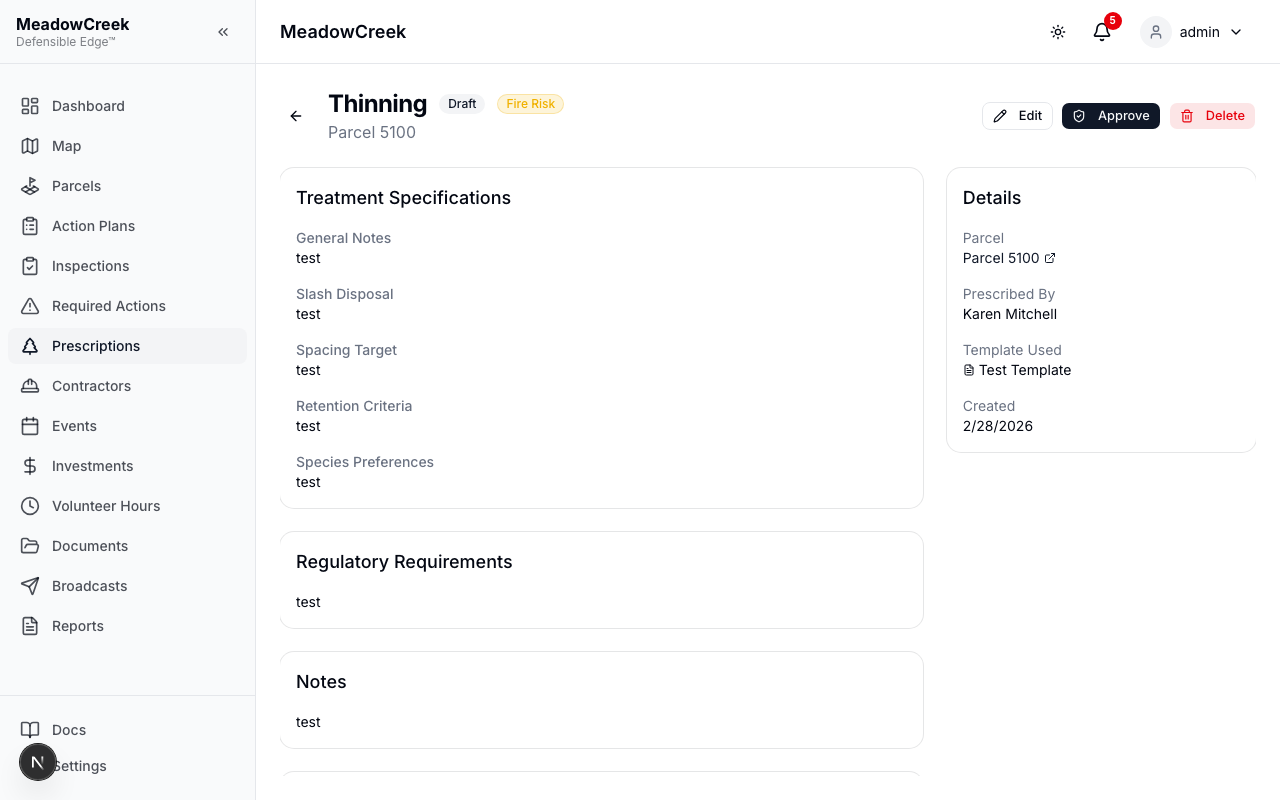
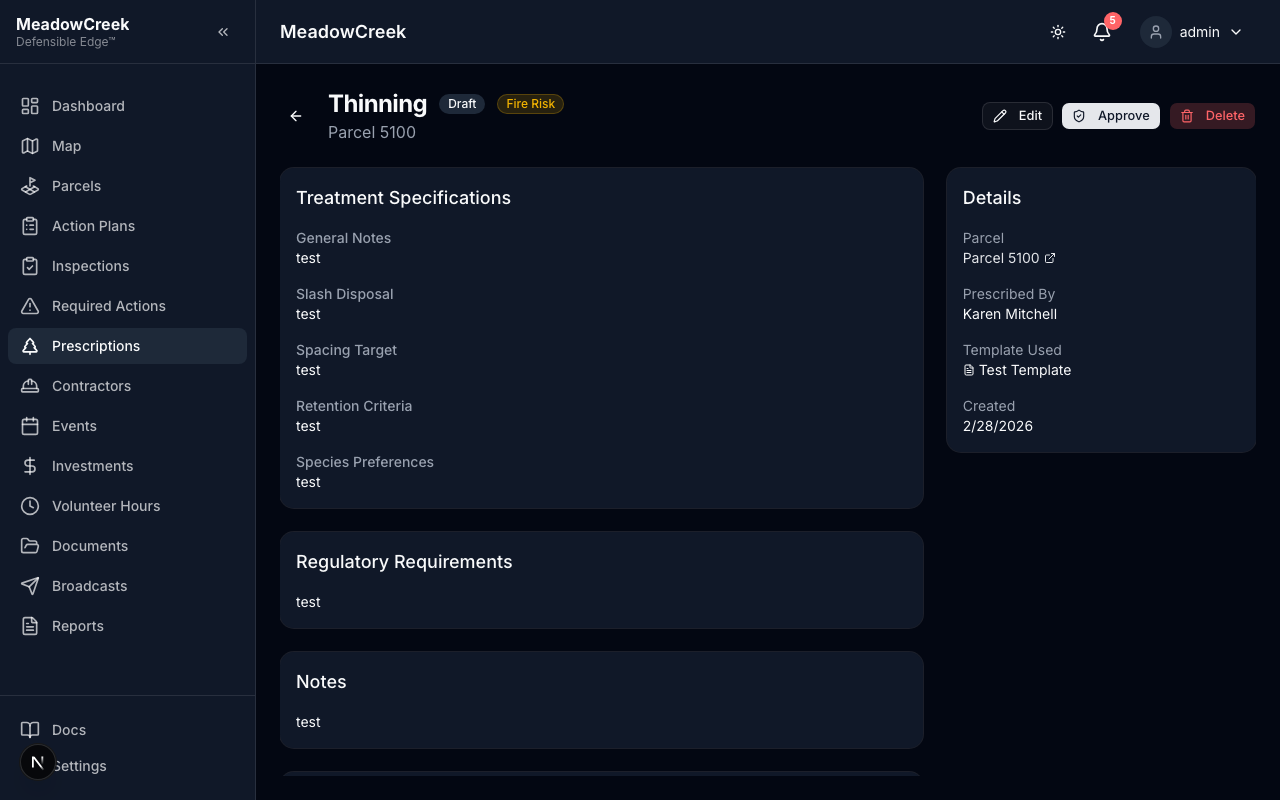
From here you route through the approval workflow, attach supporting documents, link to action plan projects, and ultimately create work orders for contractors.
Templates
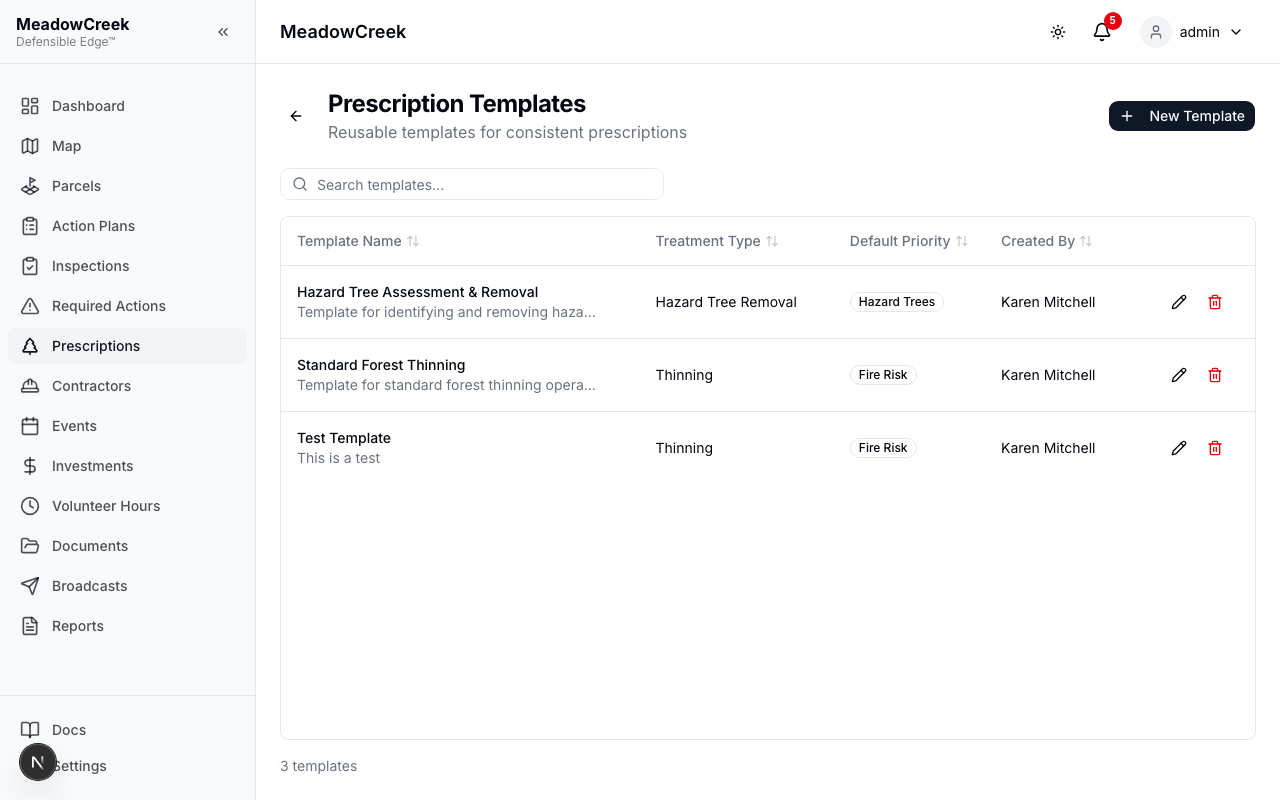
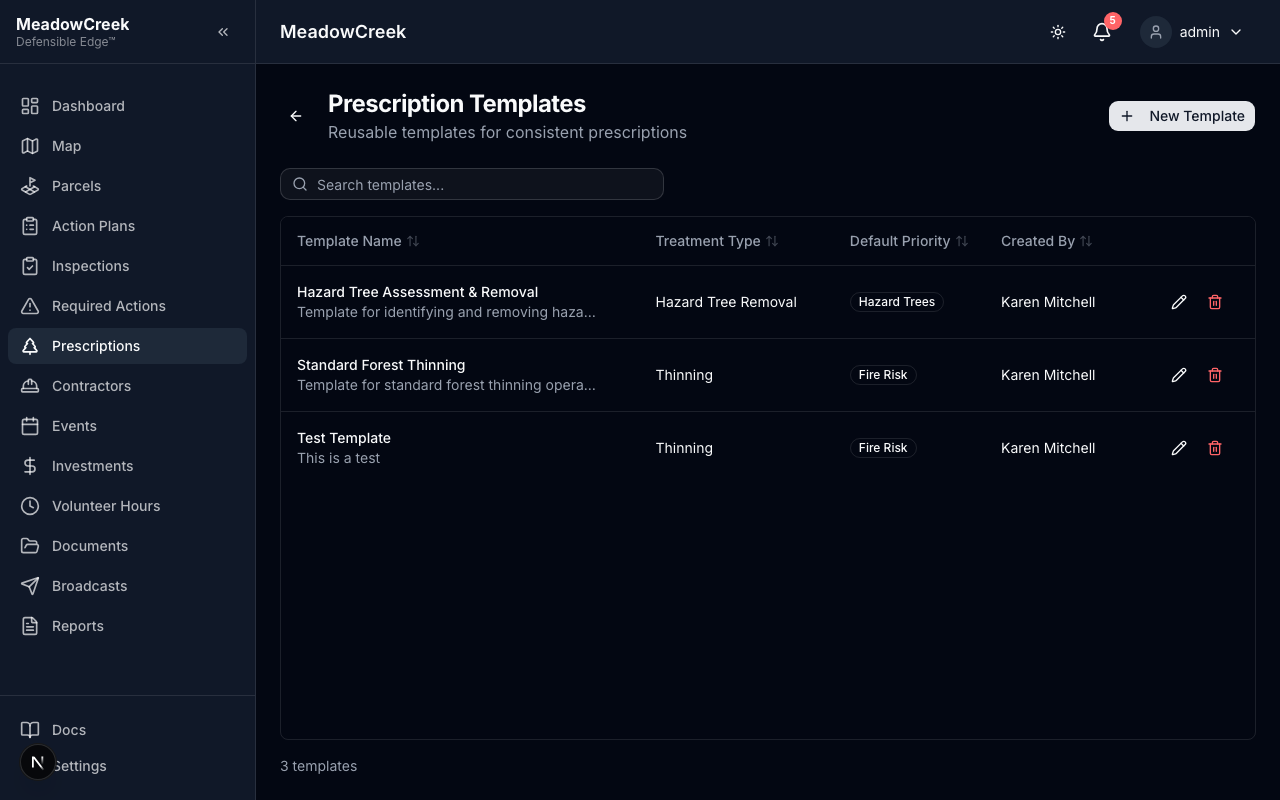
Reusable specifications — say, “Standard residential 1/4-acre defensible space” — live as Templates. Start from a template and customize per parcel.
Related deep dives
- Prescription types — when to use each treatment category
- Approval workflow — Draft → Approved transitions and who can do what
- Linking to projects — wire prescriptions into Action Plan projects
- Templates — managing the template library
- Filtering — finding the right prescription fast in a long list