Contractors
The contractor registry is your community’s vetted list of professionals — arborists, fuel-reduction crews, foresters, surveyors. Each contractor has services they’re qualified for, compliance documents on file, and a record of work they’ve completed in the community.
Navigate to Contractors in the sidebar.
Contractor list
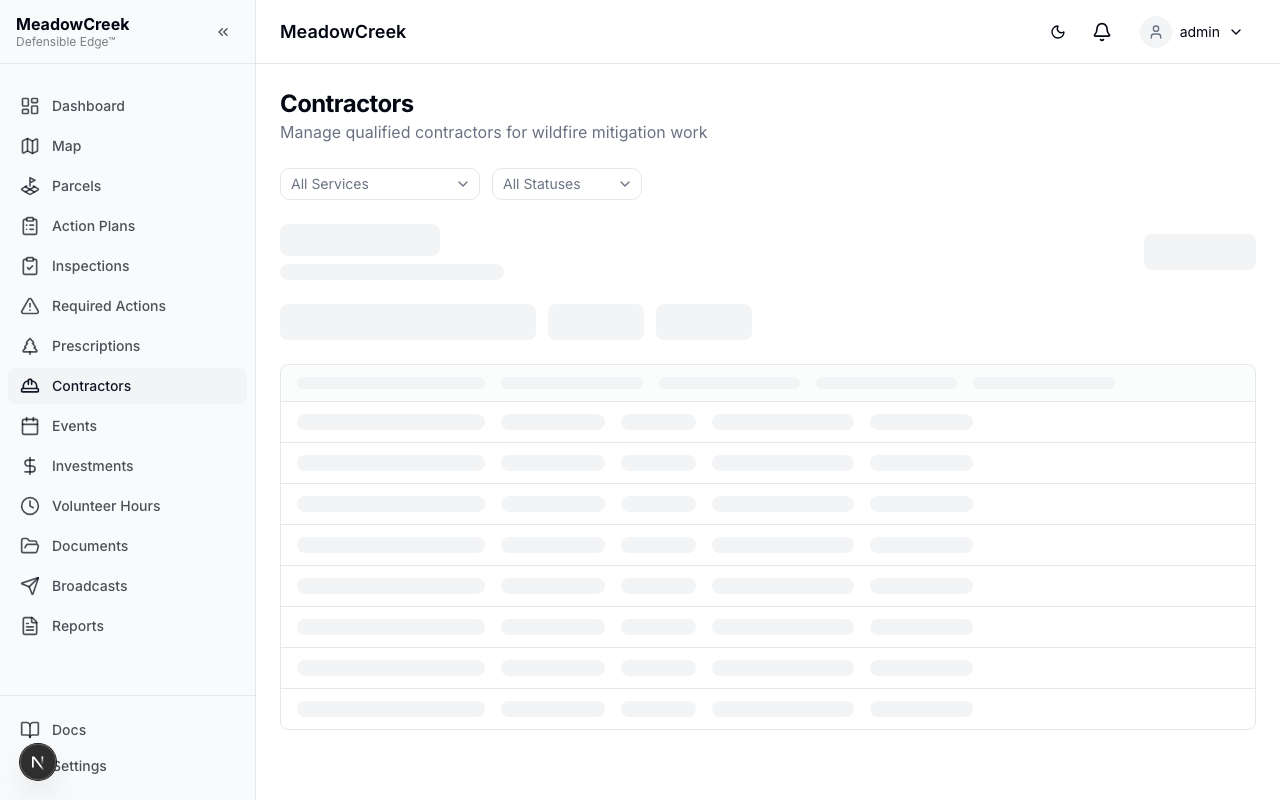
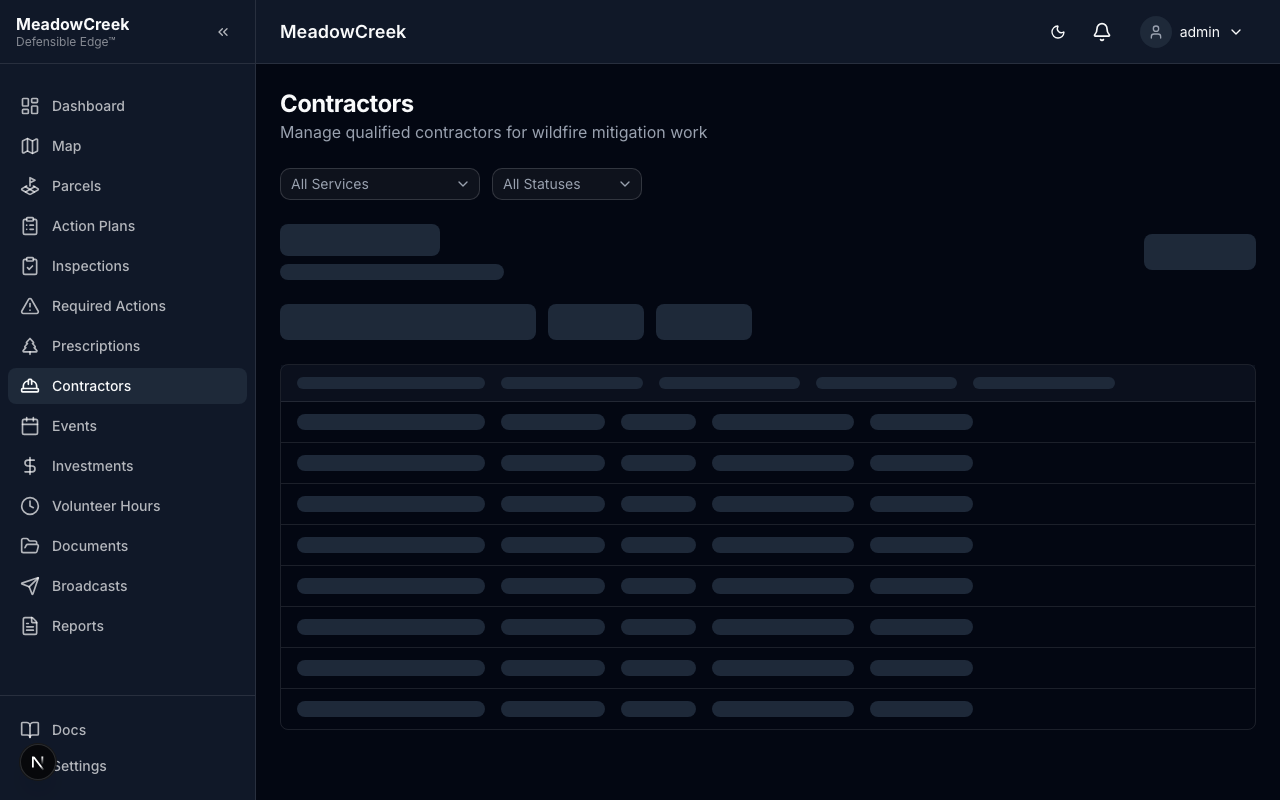
The list shows each contractor’s name, primary service tag, insurance/license status, and how many active work assignments they have. Filter by service or compliance status to find the right professional.
Adding a contractor
Click New Contractor to add a record manually.
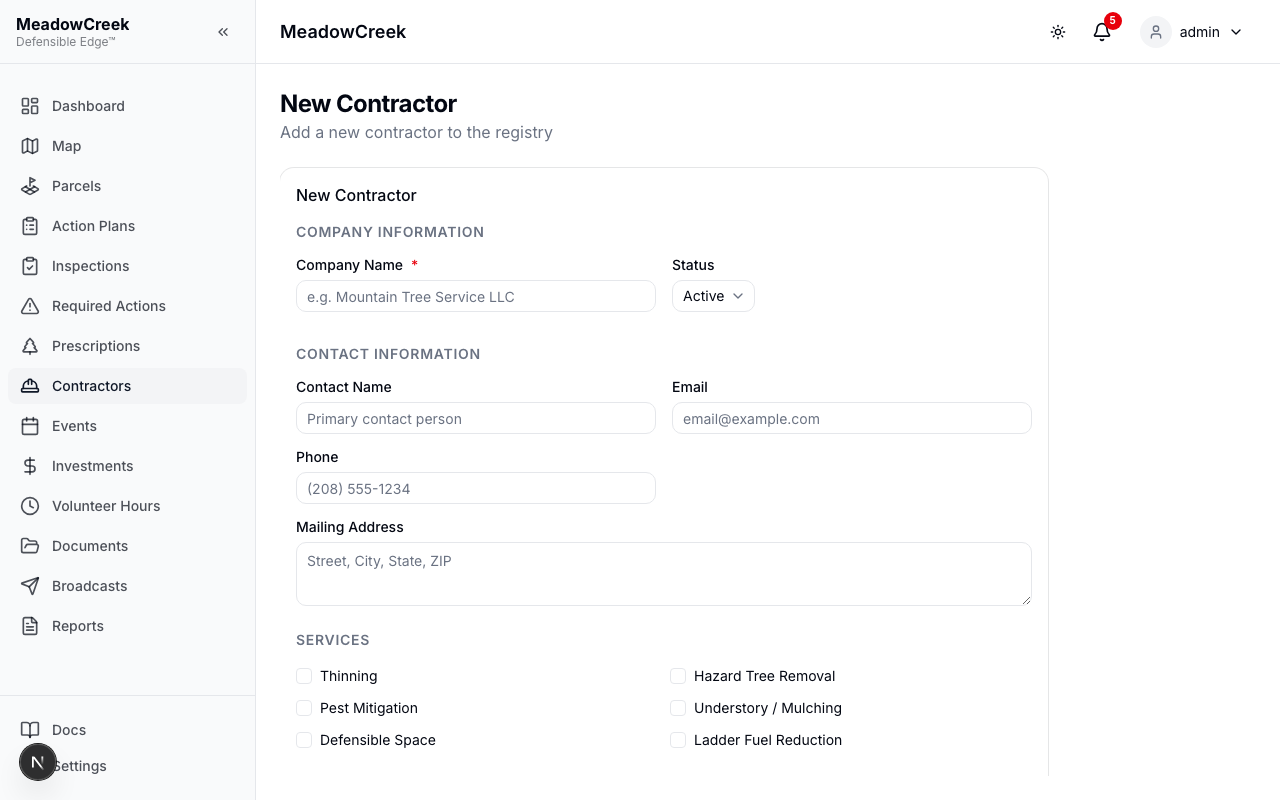
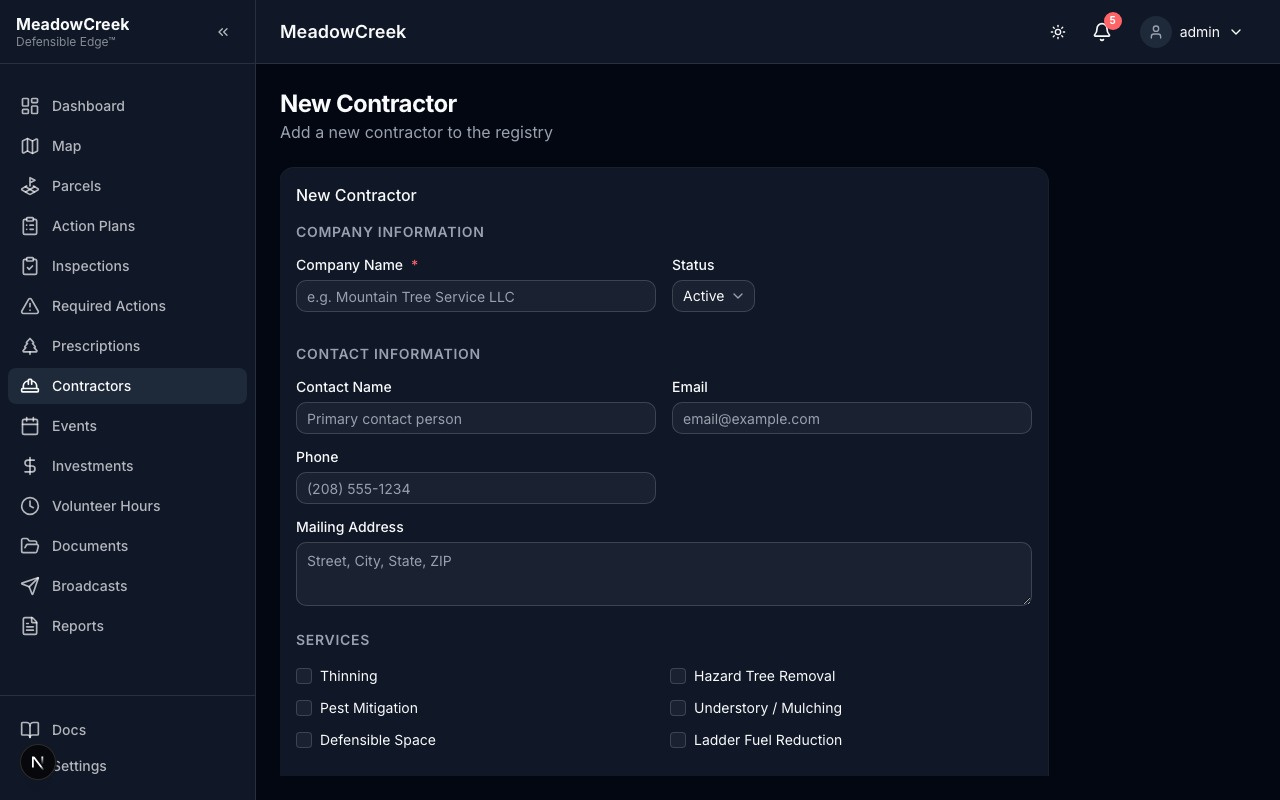
Capture their business name, primary contact, services they offer (multi-select tags: Tree Removal, Thinning, Pile Burn, Mastication, Hand Treatment, Surveying, Drone Imagery, etc.), and contact info.
Contractor detail
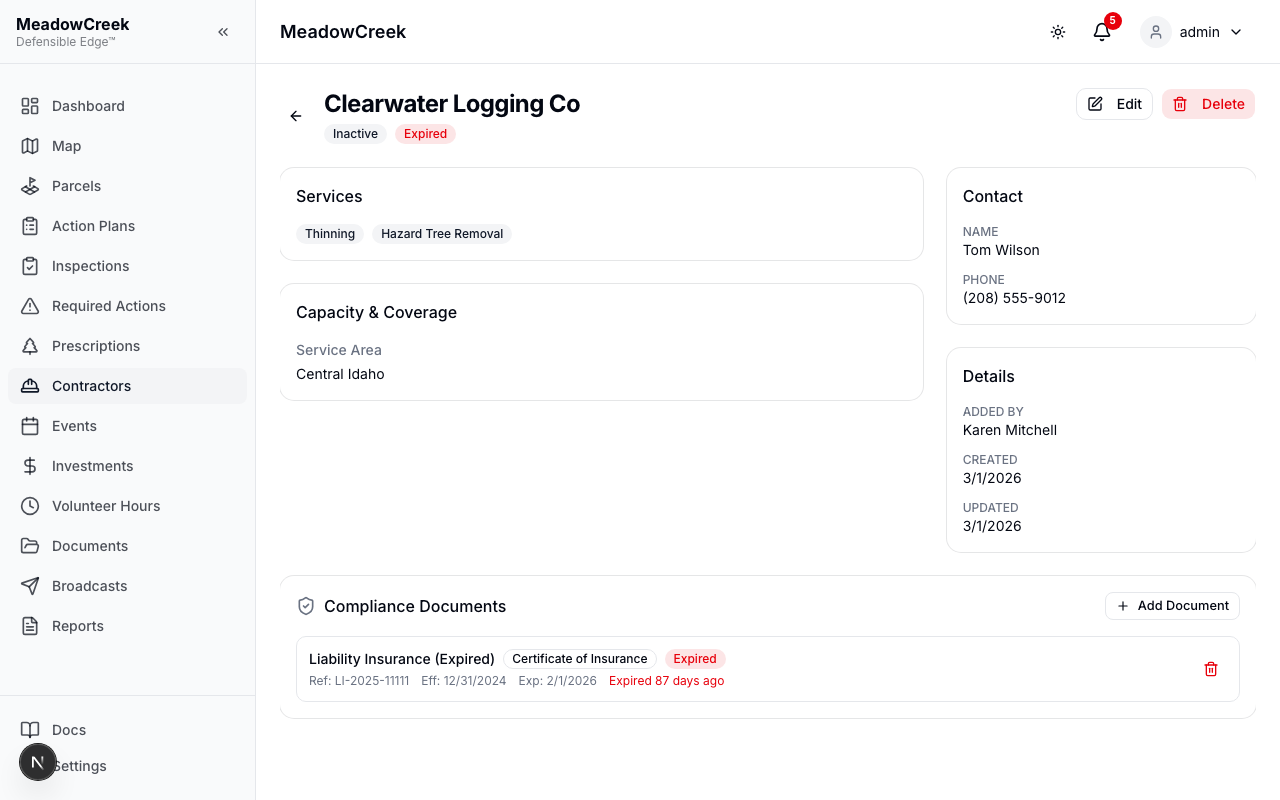
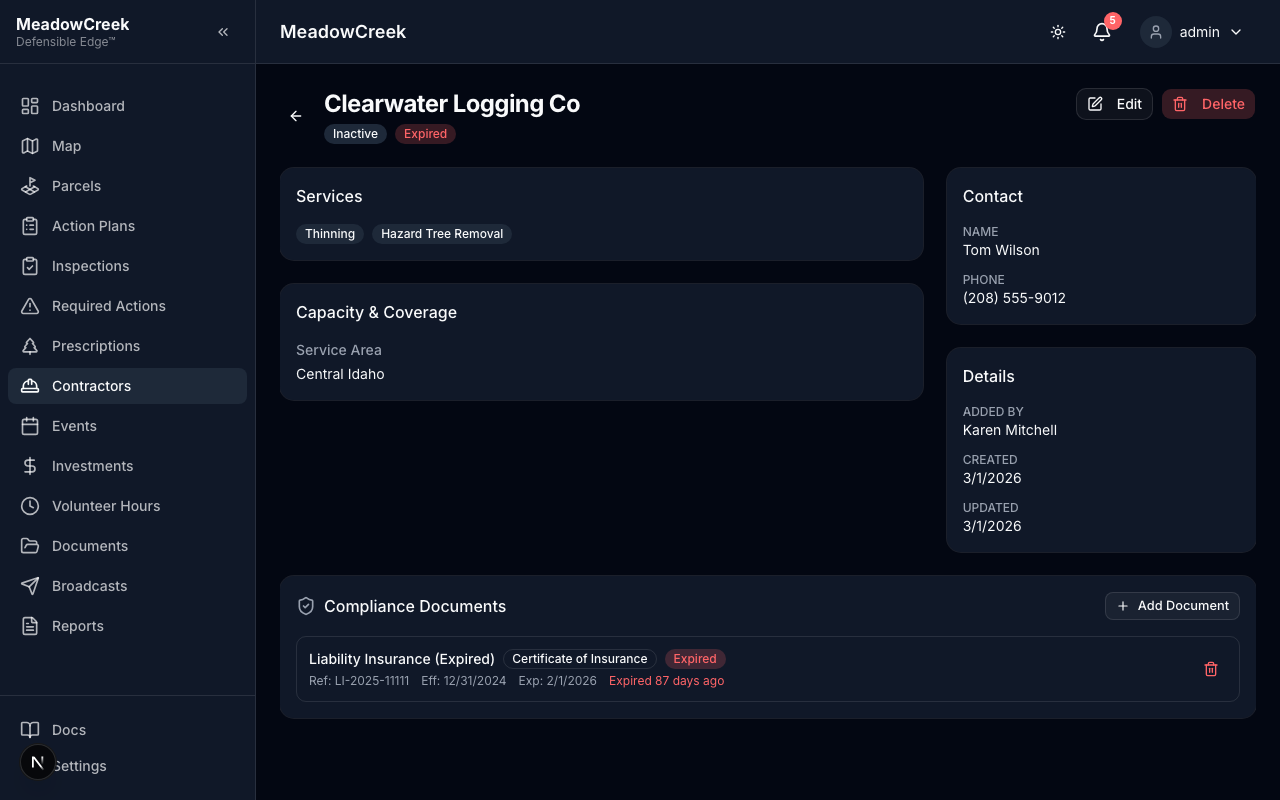
The detail page is the single-pane view of one contractor — services, compliance documents, work history, and notes.
Compliance documents
Each contractor has a compliance documents section where you upload:
- Certificate of Insurance — current liability coverage
- W-9 — for community-paid work
- Business license — proof of legal operating status
- Specialty certifications — ISA Certified Arborist, Wildland Firefighter Type 2, etc.
Each document has an expiration date; the registry flags contractors whose documents are within 30 days of expiring.
Related deep dives
- Adding a contractor — the full new-contractor walkthrough
- Contractor registry — list page features
- Compliance documents — managing certificates and expirations
- Editing contractors — updating an existing record
- Contractor portal — for contractors invited to log into the platform directly